
If SmartBackgroundChecks loads but the next step fails, the first question is where continuity was lost. Trace the last successful step before changing your connection. This approach helps when an ordinary browsing task stops midway and you need a practical recovery decision.
Draw the shortest possible journey
Use three landmarks: opening the entry page, submitting the intended action, and receiving the next page. Note which landmark worked. Then list what changed immediately afterward: a laptop waking from sleep, a proxy reconnect, a browser window closing, or a privacy tool clearing site data. These observations are more useful than a general statement that the site is broken.
Do not repeatedly submit personal search terms to recreate the event. Keep the initial diagnostic focused on connection health and page behavior.
Distinguish two different lifetimes
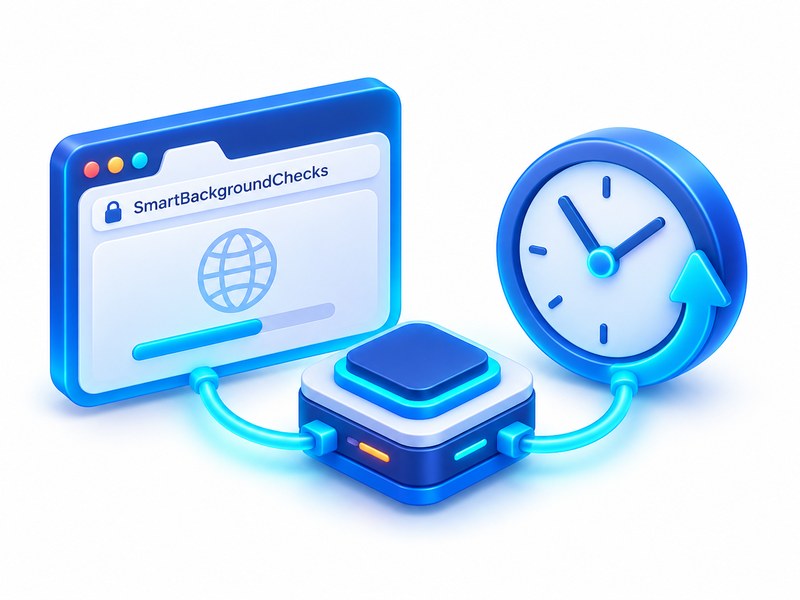
A provider’s proxy session and a website’s browsing session are managed by different systems. A connection option advertised for a period does not guarantee that the website will retain its state for the same period. Equally, keeping the same tab open does not guarantee the network endpoint stayed connected.
With Scrapingbypass Proxy, check the current connection mode and any documented session conditions. Measure whether your normal task finishes without a disconnect. Do not infer permanent IP ownership from a temporary session feature.
Choose a recovery action from the symptom
| Symptom | Next action |
|---|---|
| Client reports a disconnected proxy | Repair endpoint connectivity before resuming |
| Page returns to the entry step | Inspect navigation and normal site-storage behavior |
| Challenge or access notice appears | Follow the website’s instructions |
| Only one resource fails | Check browser filtering and the visible error |
Define recovery in user terms
The task is recovered when you can complete one permitted action and understand its result, not merely reload the homepage. Preserve only the troubleshooting timestamp and redacted error. If the endpoint stays healthy but the site refuses access, ask the site for assistance. Its access policy cannot be repaired by increasing a proxy pool.
Website and proxy configuration resources:SmartBackgroundChecks · Scrapingbypass Proxy